
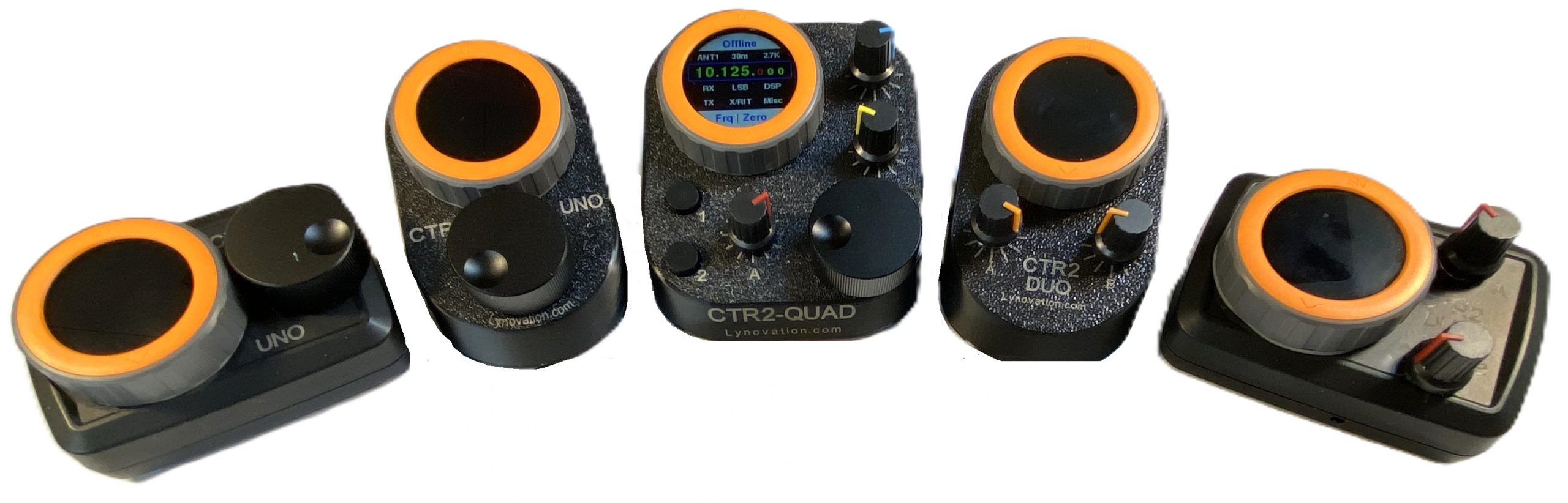
CTR2-Dial firmware is now included in CTR2-Flex v2 firmware. You can view the operation manual for CTR2-Dial here. To download a copy of it, press the Download button below.
March 17, 2026
This update includes the latest feature additions to CTR2-Dial firmware.
There is a separate operation manual for CTR2-Flex firmware. You can download it here.
- Starting with v2.04.00 I’ve split the hardware descriptions out into three separate manuals:
- You can download the CTR2-Flex/CTR2-Dial firmware here.
CTR2-Dial must be configured for the 3rd-party radio control app that you are using. You can download custom map files from the CTR2 Configuration Files page.
MIDI Mapping
I’ve created a YouTube video explaining the process of mapping CTR2-Dial’s controls to the app’s functions. You can watch the video here.
CTR2-Dial Map Files
The controls on CTR2-Dial must be mapped into your radio control app. You can download CTR2-Dial configurations and app maps that you can import, and spreadsheets you can use to manually configure CTR2-Dial and your app to work together.
Visit the CTR2-Dial Configuration Files page to download these files.