
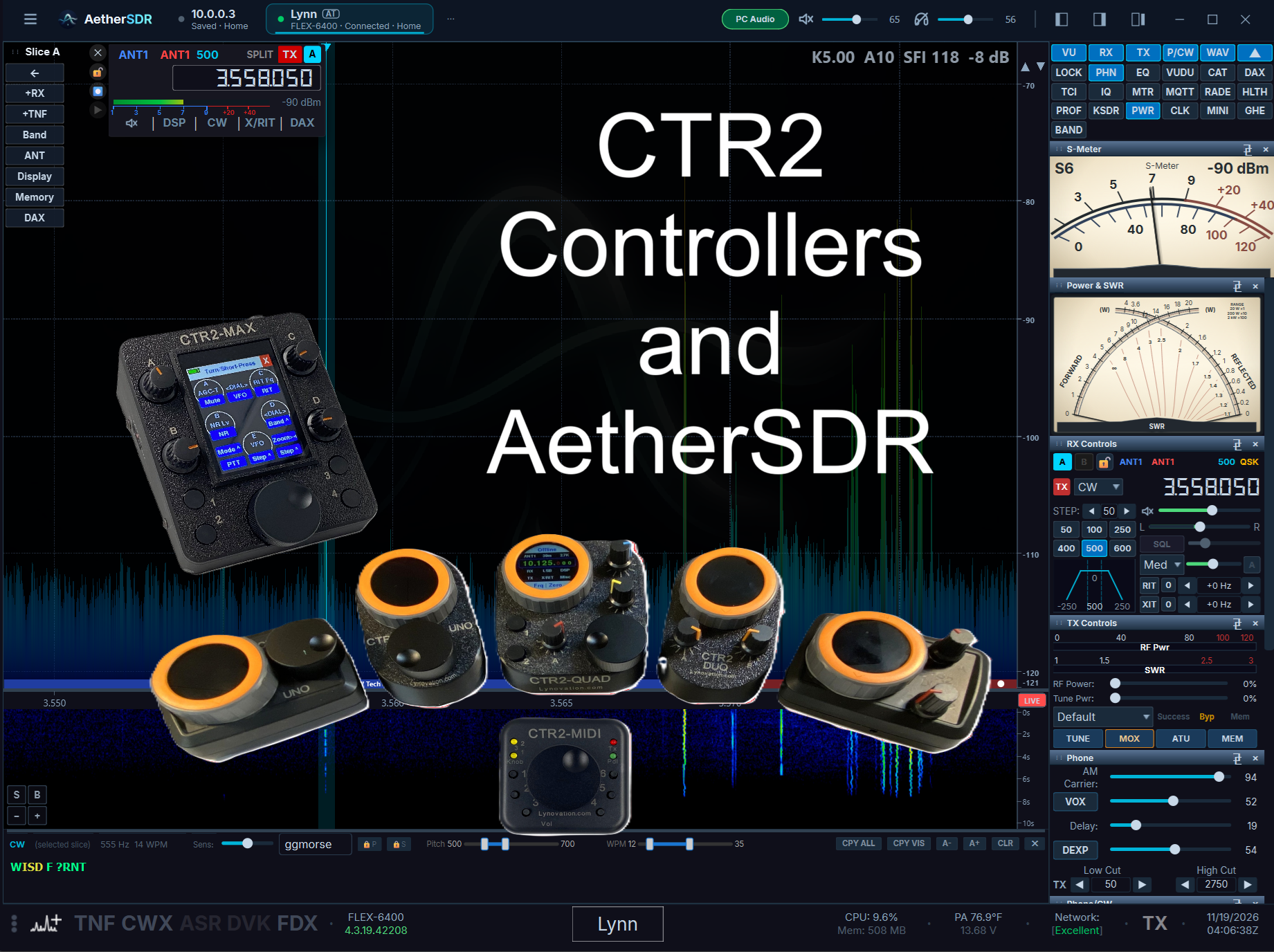
Jeremy, KK7GWY, AetherSDR‘s lead developer, and the AetherSDR developer team, added a few unique CTR2 support features to AetherSDR starting with v26.10.3.
Like most modern radio control apps, AetherSDR supports MIDI control. I have CTR2 configuration settings and maps you can import into AetherSDR on the Configuration Files pages if you want to control AetherSDR using MIDI mode on your CTR2 controller.
AetherSDR went a step (or two) further…
CTR2 Relay
CTR2 Relay is a new mode in AetherSDR that sets up a USB bridge that allows a CTR2 controller to communicate with the radio AetherSDR is controlling through a USB port on your computer. There’s no configuration required, it’s plug-and-play. This is a great way to control your remote radio, or when WiFi is not available.
Plug your CTR2 controller (running in Flex mode) into the computer running AetherSDR then open CTR2 Relay using the Settings -> Controllers -> CTR2… menu in AetherSDR.
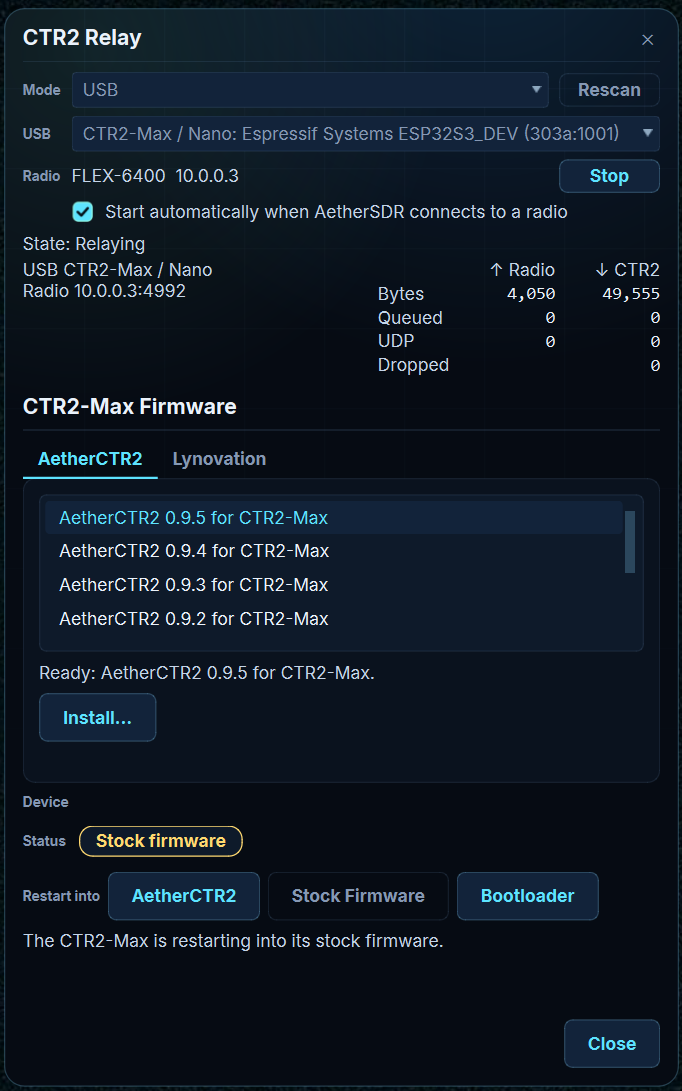
From this panel, click the Start button to connect your CTR2 controller to your radio. That’s it! No addressing, no mapping, no configuration. It just works exactly the same as if you were connected using WiFi.
The video below shows how this works with M5Dial based controllers (running CTR2-Dial v3.00 firmware) and CTR2-MIDI, running v3.00 firmware.
AetherCTR2
AetherSDR added even more features to support CTR2-Max controllers. The AetherSDR developers creates a new app called AetherCTR2, exclusively for CTR2-Max. This app replaces the stock firmware in Max with a new, modern app that includes additional features not available in Max, like S and Power meters, CW decoding, and an audio display.
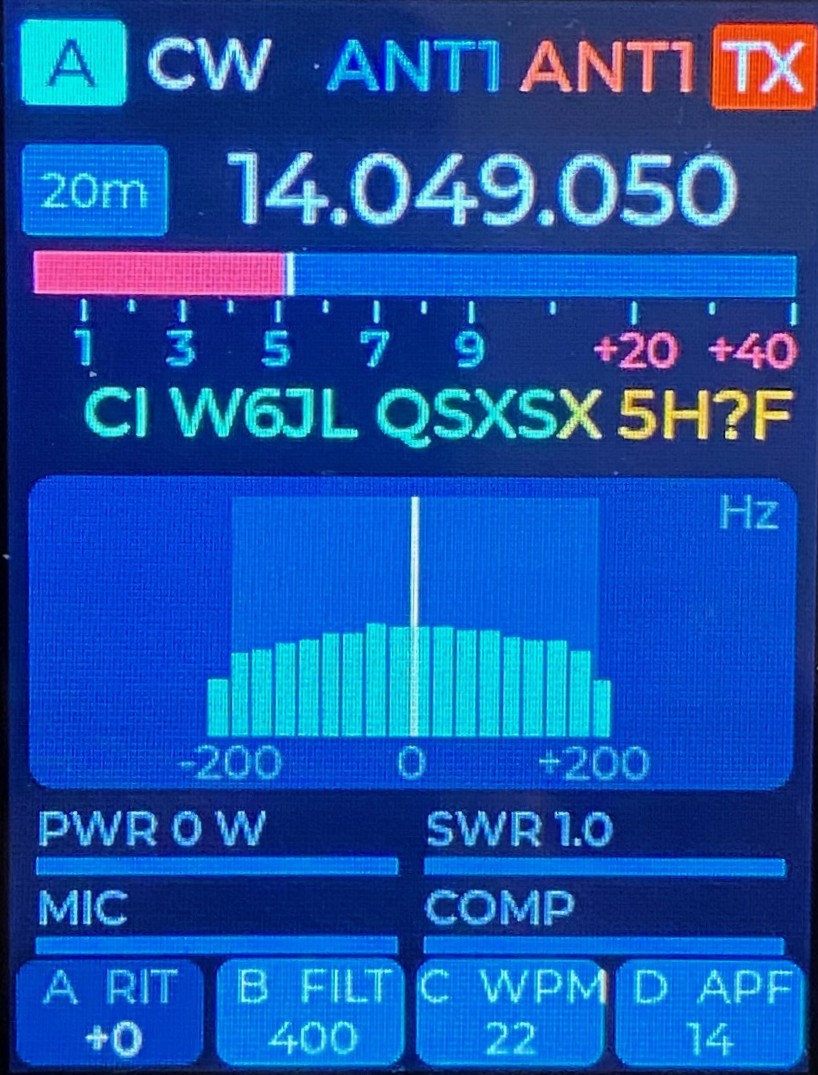
AetherCTR2 is preloaded on all Max units before they ship. You can download the user manual for it here.
CTR2 Relay also includes support for updating both CTR2-Max and AetherCTR2 firmware.
The video below demonstrates the features available for CTR2-Max in CTR2 Relay.
I hope you find these new features useful. I’d like to thank Jeremy and his team for including CTR2 controllers in their great project.
73, Lynn