Description
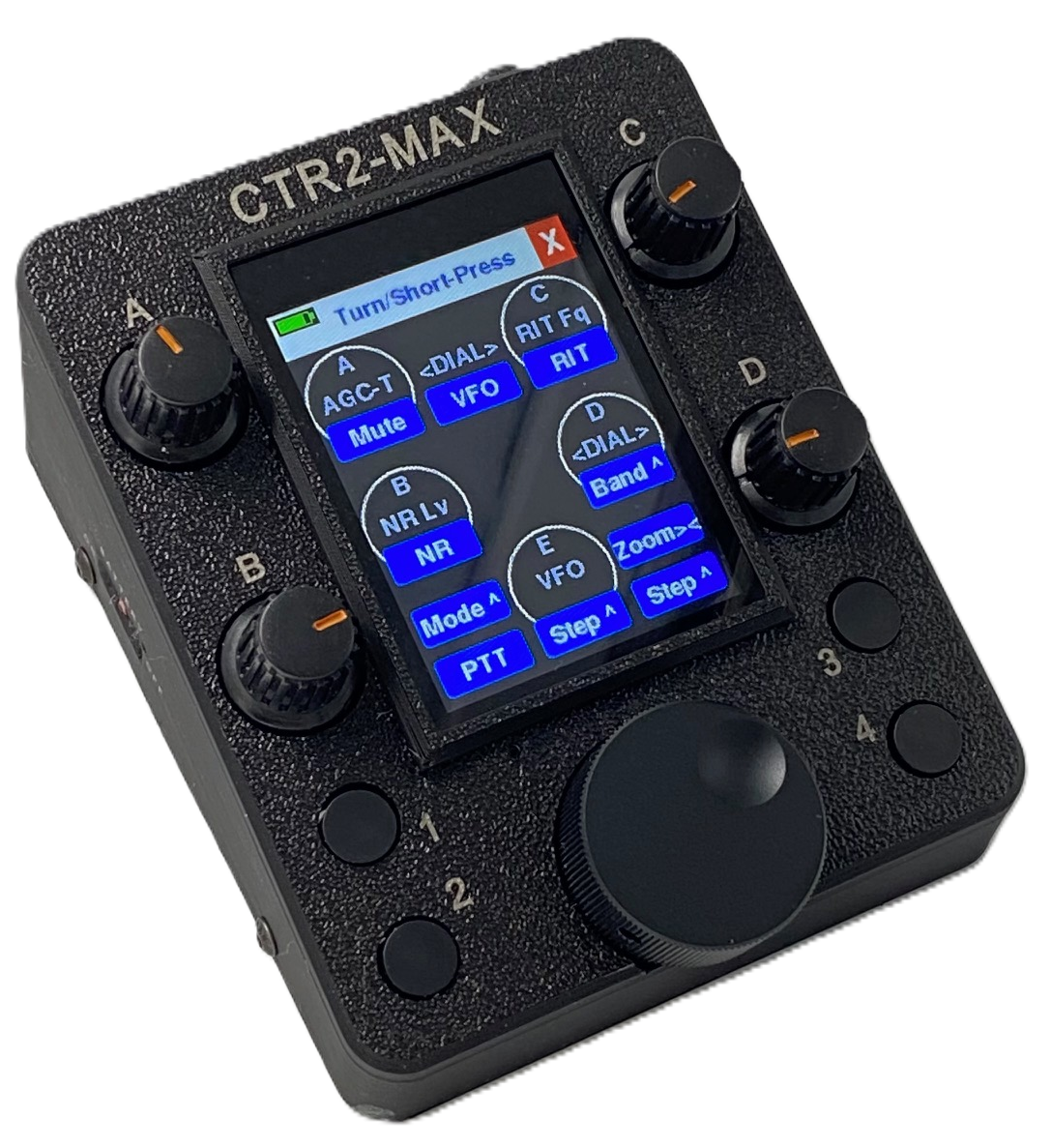
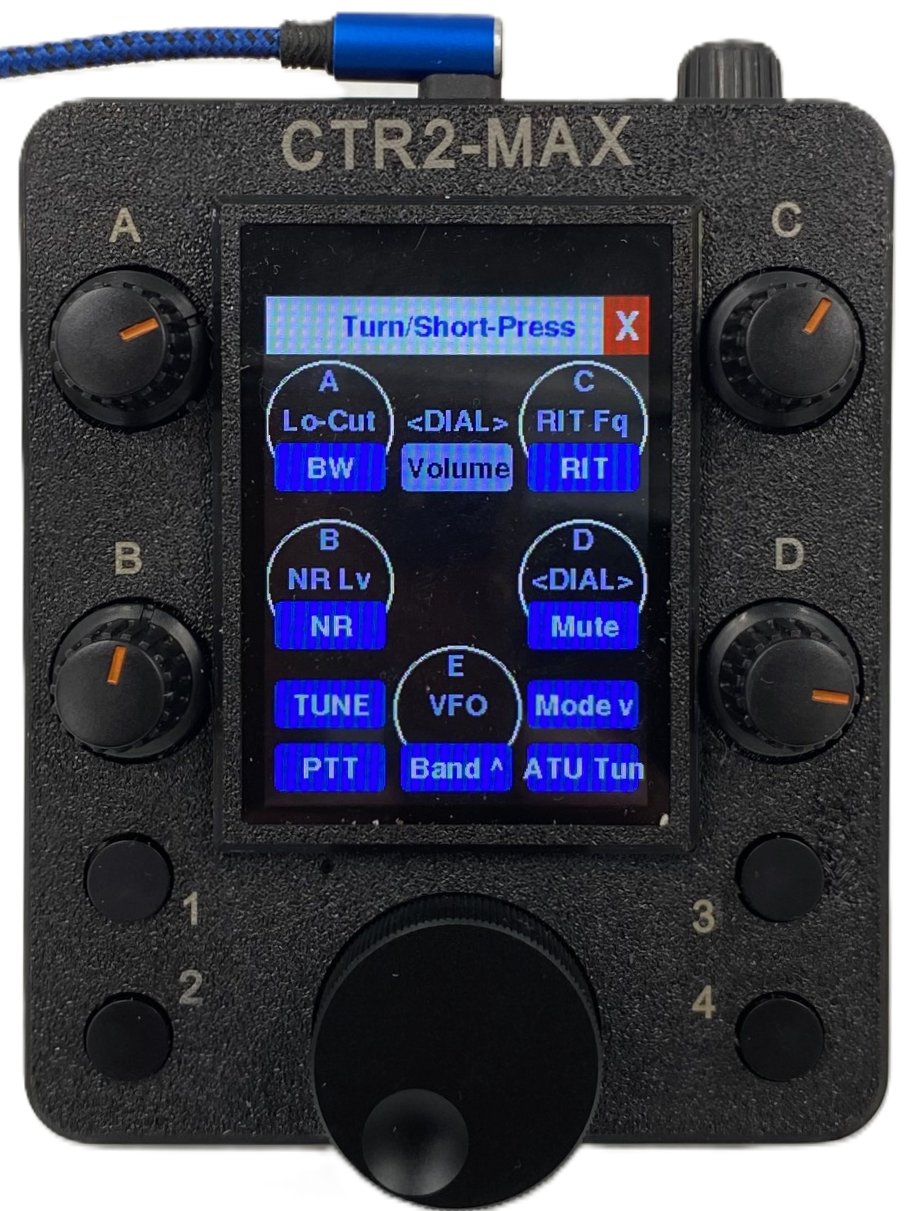
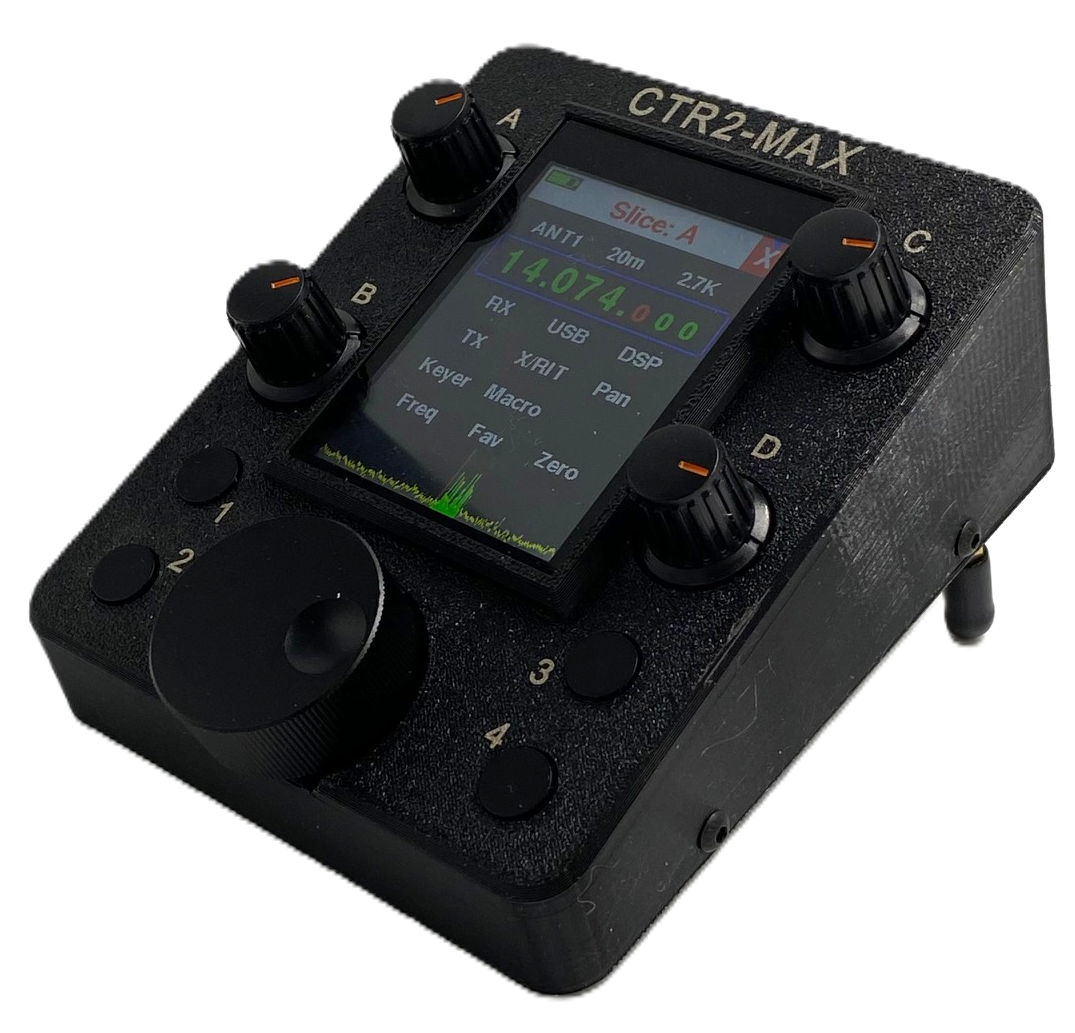
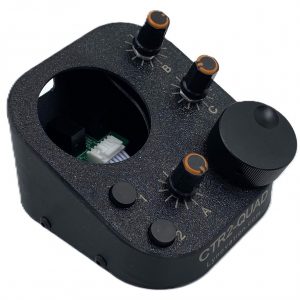
All knobs have two functions; turn and press-and-turn. This gives you a total of 10 physical knobs to control various parameters on your radio.
In addition to the four pushbuttons provided, each knob has a push-switch. All pushbuttons and knob switches have two functions; short-press and long-press, for a total of 18 pushbutton/knob switch actions. Each pushbutton and knob switch can be programmed for any of the 60 available switch actions. Any of the pushbuttons can also be set as a dedicated PTT switch.
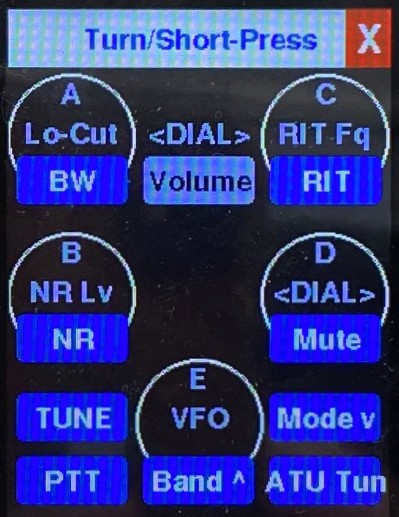
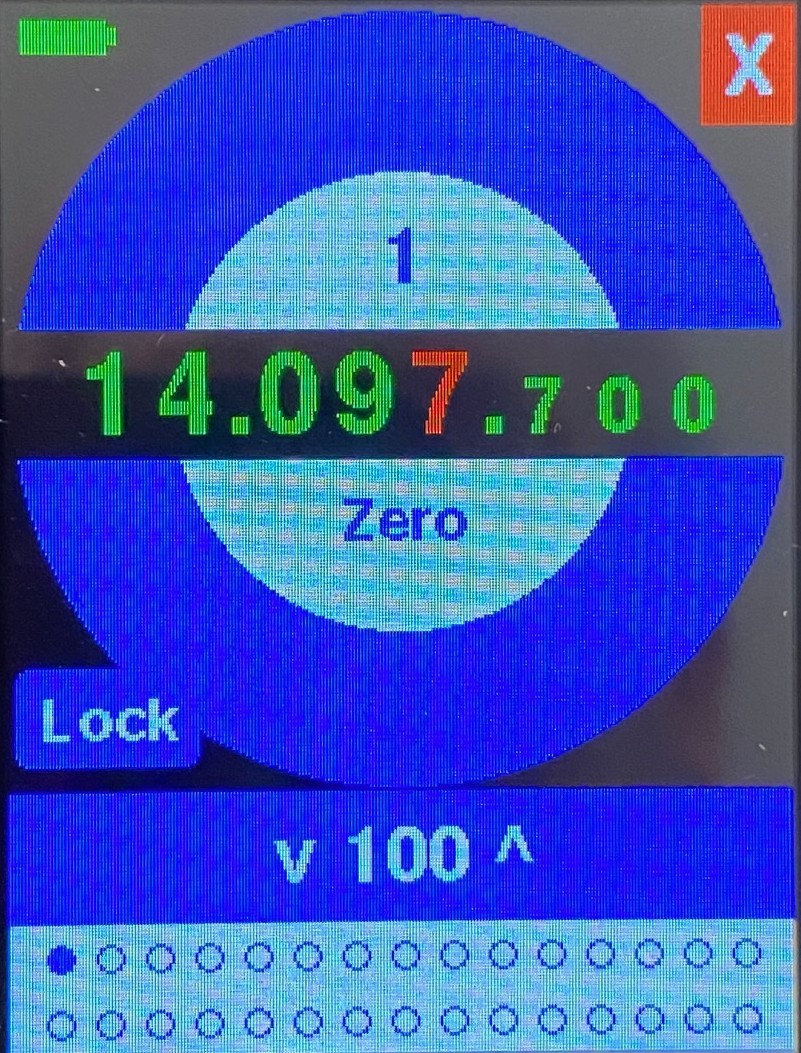
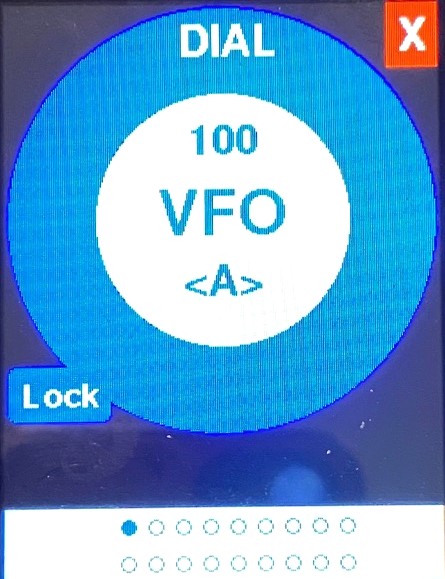
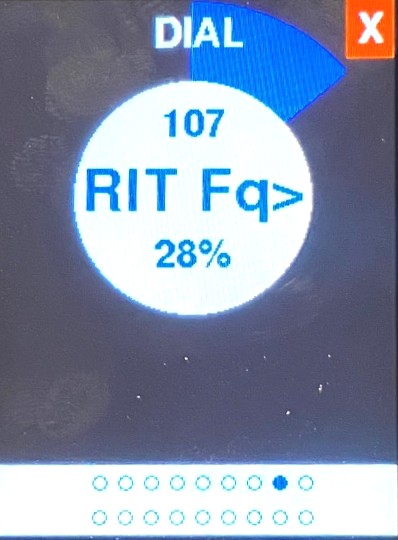
All knobs, knob switches, and pushbuttons can be easily configured in the new Controls menu that was added in firmware v1.01.00. The Controls menu is shown in the lead photo.
Here’s an example of the versatility of Max’s knob and knob switch functions:
Knob C’s turn function can be set to adjust the RIT frequency offset and it’s push-and-turn function can be set to adjust the XIT frequency offset. Knob C’s push-switch can be set to toggle RIT enable/disable on short-press and toggle XIT enable/disable on long-press. One knob handles all your RIT and XIT needs!
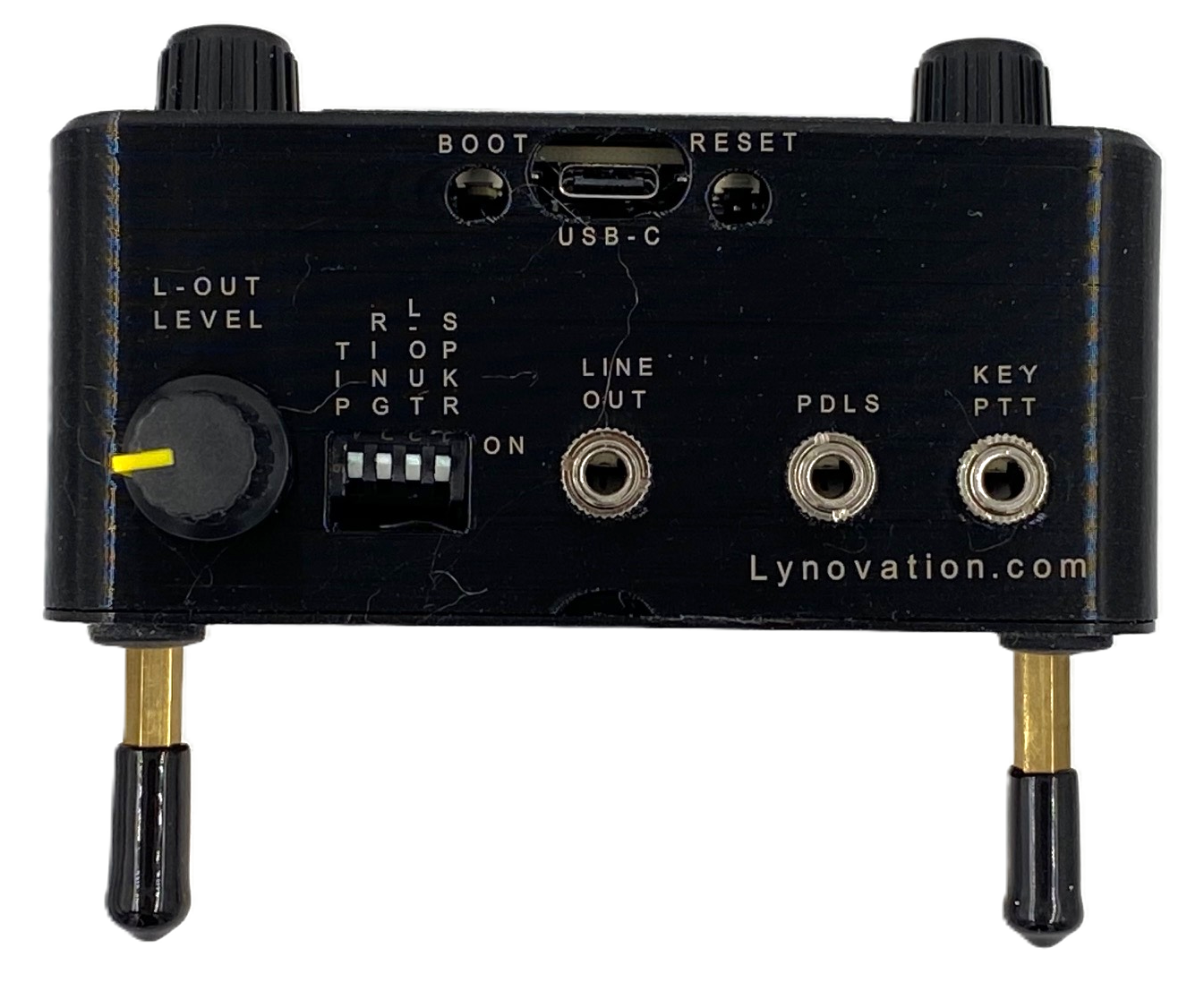
The optional Sidetone Audio Interface board provides the following features (and limitations):
- It only works when Max is in direct Flex control mode (I call it Flex WiFi mode) and operating in CW mode
- It couples the CW sidetone audio from the internal keyer in Max to your headphones, powered speaker, station mixer or PC sound card. Rx (DAX) audio is not supported.
- It does not work in MIDI mode (sidetone in MIDI mode is provided by the radio control app that Max is connected to)
- It can be easily added to your unit in the future. It just plugs in between the main board and the speaker
- The Sidetone Audio Interface board adds $20 to the cost of your Max
You can find the operation and hardware manuals for Max here.


Reviews
There are no reviews yet.